
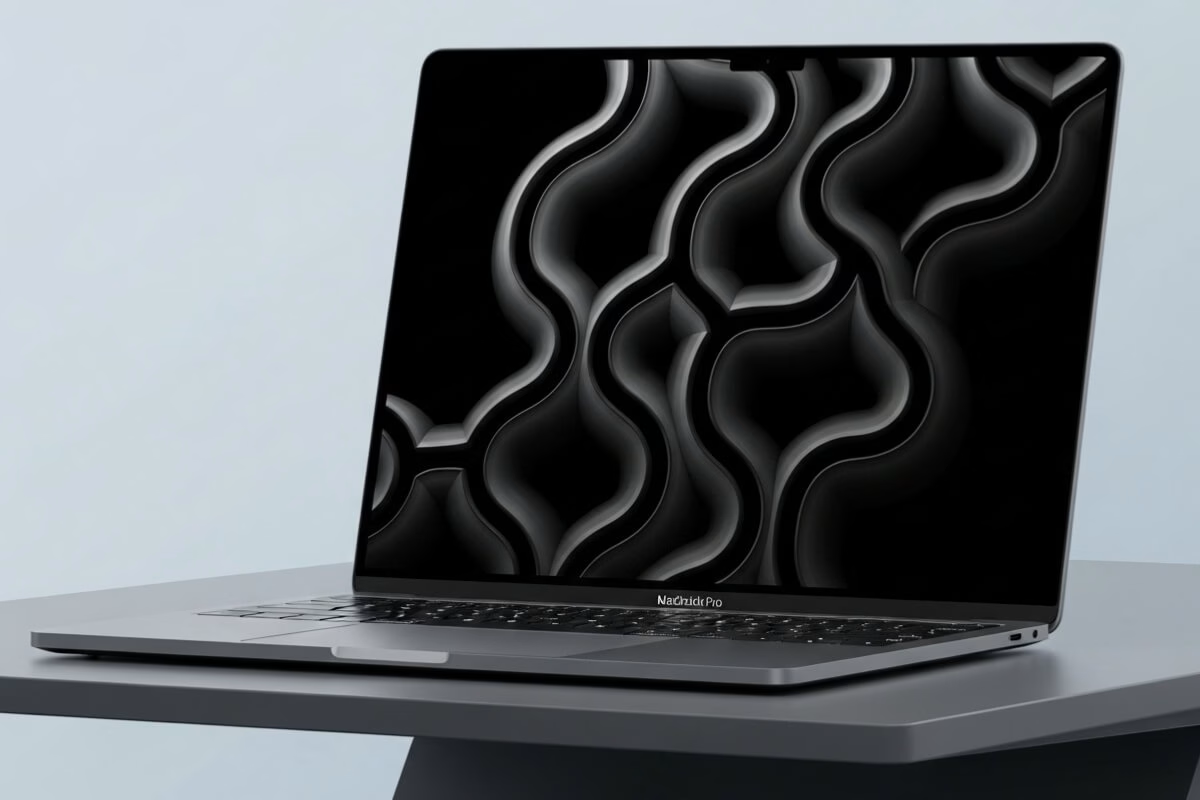
The Apple MacBook Pro has long been the gold standard for performance, design, and reliability in laptops. Whether you’re a creative professional, student, or business user, choosing the right MacBook Pro can make all the difference in productivity and comfort. In this comprehensive guide, we’ll compare the top MacBook Pro models, explore their features, and help you decide which one fits your needs and budget.
Top Apple MacBook Pro Models Compared
| Model | Main Features | Price Range | Rating |
|---|---|---|---|
| MacBook Pro 14-inch (M3 Pro) | Liquid Retina XDR, M3 Pro chip, 18-hour battery | $1,999 – $2,499 | 4.9/5 |
| MacBook Pro 16-inch (M3 Max) | M3 Max chip, 38-core GPU, high-end performance | $2,999 – $3,999 | 4.8/5 |
| MacBook Pro 13-inch (M2) | M2 chip, compact design, Touch Bar | $1,199 – $1,499 | 4.7/5 |
| MacBook Air 15-inch (M2) | Ultra-thin design, long battery life | $1,299 – $1,499 | 4.6/5 |
| MacBook Pro 14-inch (Refurbished M2 Pro) | High performance at lower cost | $1,499 – $1,899 | 4.5/5 |
MacBook Pro 14-inch (M3 Pro)
Key Features
- Powerful M3 Pro chip for professional workloads
- 14.2-inch Liquid Retina XDR display with HDR support
- Up to 18 hours of battery life
- MagSafe 3 charging and Thunderbolt 4 ports
Pros
- Exceptional display quality and brightness
- Lightweight yet powerful for video editing and 3D rendering
- Quiet and cool under heavy tasks
Cons
- Expensive compared to Windows alternatives
- Limited internal upgrade options
Ideal For
Best for professionals in video editing, music production, and software development who need portable power without sacrificing performance.
MacBook Pro 16-inch (M3 Max)
Key Features
- M3 Max chip with up to 16 CPU cores and 38 GPU cores
- 16.2-inch Liquid Retina XDR display
- Up to 96GB of unified memory
- Fantastic battery life for a high-performance laptop
Pros
- Unmatched processing and graphics performance
- Ideal for 8K video, AI, and demanding creative tasks
- Large display with precise color calibration
Cons
- Heavy and less portable
- Price starts very high
Ideal For
Perfect for advanced professionals, animators, and developers running complex simulations or large data sets.
MacBook Pro 13-inch (M2)
Key Features
- M2 chip with 8-core CPU and 10-core GPU
- Compact size and lightweight design
- Up to 20 hours of battery life
- Touch Bar and Magic Keyboard
Pros
- Excellent balance of performance and portability
- Quiet, fanless operation
- Affordable entry into the Pro line
Cons
- Older design with thicker bezels
- Limited port selection
Ideal For
Great choice for students, writers, and professionals who want high efficiency in a smaller package.
MacBook Air 15-inch (M2)
Key Features
- M2 chip with 8-core CPU and 10-core GPU
- 15.3-inch Liquid Retina display
- Silent, fanless design
- Up to 18 hours of battery life
Pros
- Extremely thin and lightweight
- Great for travel and daily tasks
- Excellent value for its performance
Cons
- Not ideal for heavy multitasking
- No ProMotion display
Ideal For
Ideal for students, business users, and digital nomads seeking portability and reliable performance without spending a fortune.
MacBook Pro 14-inch (Refurbished M2 Pro)
Key Features
- M2 Pro chip with up to 12-core CPU and 19-core GPU
- 14.2-inch Retina XDR display
- Same premium design at lower cost
- Available directly from Apple’s Refurbished Store
Pros
- Excellent performance at a reduced price
- Comes with full Apple warranty
- Eco-friendly option
Cons
- Limited availability and configurations
- Battery life slightly below M3 version
Ideal For
Perfect for buyers seeking a high-end MacBook Pro experience at a more affordable price point.
Buying Guide: How to Choose the Right MacBook Pro
Before making your purchase, consider what tasks you need your MacBook Pro to handle. Apple’s lineup offers something for every user — from the casual writer to the 3D designer working on massive projects.
1. Identify Your Needs
Think about what you’ll primarily use your laptop for:
- Everyday use: MacBook Air or 13-inch MacBook Pro (M2)
- Creative work: 14-inch or 16-inch MacBook Pro with M3 Pro
- Heavy workloads: MacBook Pro with M3 Max chip
2. Display and Size
The 14-inch models strike the perfect balance between portability and screen space. If you need maximum workspace, the 16-inch version is the way to go. For travel or mobility, the 13-inch or Air models are unbeatable.
3. Storage and Memory
Choose at least 16GB of RAM for professional work and 512GB of storage if you use creative software like Final Cut Pro, Logic Pro, or Adobe Creative Cloud. Apple’s unified memory architecture ensures efficiency across applications.
4. Battery Life
All models deliver excellent battery life, but the 13-inch and Air versions lead with up to 20 hours on a single charge. For power users, the 14- and 16-inch versions still provide impressive endurance under heavy loads.
5. Ports and Connectivity
Modern MacBook Pros include MagSafe 3 charging, HDMI, SDXC card reader, and multiple Thunderbolt 4 ports. If you rely on peripherals, the Pro models offer better connectivity than the Air.
6. Budget and Value
While MacBooks are premium-priced, they offer unmatched longevity and performance. Consider refurbished models for substantial savings without compromising quality.
Performance and Display: Why the MacBook Pro Stands Out
The Apple MacBook Pro delivers exceptional power thanks to the M-series chips that combine CPU, GPU, and Neural Engine in one unit. The Liquid Retina XDR display offers remarkable contrast and HDR capabilities, making it ideal for professional photographers, filmmakers, and designers.
Battery Efficiency
Apple Silicon allows for both high performance and low energy consumption. Even while rendering 4K video or compiling code, MacBooks maintain long-lasting battery life — a rare combination in modern laptops.
Build Quality and Design
Each MacBook Pro is crafted from a single block of aluminum, ensuring durability and a premium feel. The minimalist design, quiet keyboard, and expansive trackpad make it both elegant and functional.
Best MacBook Pro Alternatives
While the MacBook Pro is a top-tier choice, a few alternatives offer competitive features for different budgets:
- Dell XPS 15: Excellent Windows alternative with 4K display and solid performance.
- ASUS ZenBook Pro: Sleek design and OLED display at a lower price point.
- HP Spectre x360: 2-in-1 functionality and elegant build quality.
Frequently Asked Questions (FAQ)
1. Is the MacBook Pro worth buying?
Yes. The MacBook Pro offers unmatched build quality, performance, and battery life. It’s ideal for professionals who need reliability and speed.
2. Which size MacBook Pro should I choose?
The 14-inch model is best for balanced use, while the 16-inch is for those needing maximum screen real estate and power.
3. Can you upgrade the MacBook Pro later?
No. Memory and storage are soldered, so it’s crucial to choose the right configuration at purchase time.
4. What’s the difference between the MacBook Air and Pro?
The MacBook Air focuses on portability and everyday performance, while the Pro is built for demanding professional workloads.
5. Does the MacBook Pro work well for gaming?
While it’s not designed primarily for gaming, the latest M-series chips handle most modern titles smoothly, especially with Metal-optimized games.
6. How long does a MacBook Pro typically last?
With proper care, a MacBook Pro can last 7–10 years, offering consistent performance and software updates throughout its lifespan.
Compare the most powerful notebooks and choose the ideal one for you.
Conclusion: Which MacBook Pro Should You Buy?
If you want the perfect blend of power, portability, and premium experience, the MacBook Pro 14-inch (M3 Pro) is the best overall choice. For extreme performance, go for the 16-inch M3 Max. If you’re budget-conscious, the refurbished M2 Pro version offers top-tier value. No matter which you choose, investing in a MacBook Pro ensures a smooth, efficient experience that lasts for years.
Sources
- Apple – Official MacBook Pro Page
- TechRadar – MacBook Pro Review
- Tom’s Guide – MacBook Pro Buying Advice
- Digital Trends – Apple MacBook Pro Overview


